Quantum Nebula
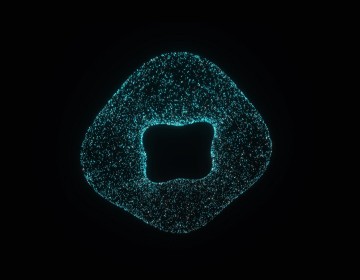
Transform any image into a 3D holographic particle effect or showcase an animated data torus with matrix characters.
Overview
Transform any image into a 3D holographic particle effect or showcase an animated data torus with matrix characters.
- { "Dual mode": "Animated torus ring or 3D hologram from any image" }
- Matrix-style animated character particles
- Mouse-controlled 3D rotation and tilt
- Full color and depth customization
- Cinematic bloom glow effects
- Responsive and performance-optimized
- Works in any section or layout
- Zero coding required
3D Holographic Effects for Framer
Turn any image into a stunning 3D particle hologram or showcase an animated data torus. Perfect for tech brands, agencies, and designers who need futuristic visuals that stand out.
No code required—just upload, customize, and publish.
Features
Two Visual Modes Switch between an animated torus ring with flowing data particles, or upload any image to transform it into a 3D holographic effect with depth-based extrusion.
Matrix Character Animation Every particle displays animated matrix-style characters that cycle through symbols and hex codes, creating an authentic cyberpunk data visualization aesthetic.
Interactive 3D Controls Mouse movement controls rotation and tilt in real-time. Smooth, natural interaction that responds to user engagement without overwhelming the experience.
Full Depth Control Adjust how much bright areas pop forward or push back. Invert depth mapping to create unique visual effects based on your image.
Cinematic Glow Effects Built-in bloom post-processing adds professional glow to particles. Adjust strength and radius to match your design needs.
Complete Customization Control particle size, animation speed, colors, particle density, ring dimensions, and all visual parameters through Framer's properties panel.
Use Cases
Tech Product Launches — Create buzz with futuristic holographic product reveals that communicate innovation
Agency Hero Sections — Make unforgettable first impressions with interactive 3D backgrounds that demonstrate design expertise
Portfolio Sites — Stand out with animated data visualizations that showcase your technical capabilities
SaaS Landing Pages — Build credibility with sophisticated 3D effects that convey professionalism and cutting-edge technology
Event Pages — Generate excitement for tech conferences and product launches with cyberpunk-inspired visuals
How to Use
Installation
After purchasing from FramerHub:
- Log in to your account at framerhub.io
- Navigate to framerhub.io/dashboard
- Find Quantum Nebula in your Recent Purchases
- Click the "Copy" button
- Open your Framer project
- Paste the component anywhere on your canvas (Cmd/Ctrl + V)
Customization
Everything you need is in Framer's properties panel:
View Mode
- Torus: Animated ring with flowing data particles
- Image: Upload any image to create a 3D hologram effect
Appearance
- Set background color, primary and secondary particle colors
- Adjust particle size for different visual densities
Torus Mode Controls (Ring appearance)
- Set particle count (1,000 - 50,000)
- Adjust ring radius and tube thickness
- Control twist amount for unique shapes
Hologram Mode Controls (Image mode)
- Upload your image
- Set 3D depth extrusion amount
- Toggle invert depth to pop dark areas instead of bright
Effects
- Adjust glow strength and radius
- Fine-tune bloom post-processing
Animation
- Control flow speed from subtle to rapid
Quick Tips
Best Performance — Use 20,000 particles or less on mobile. Desktop can handle up to 50,000 smoothly.
Image Selection — High-contrast images with clear subjects work best. Logos, portraits, and icons create striking holograms.
Color Combinations — Cyan and dark blue create classic sci-fi looks. Try neon green with black for matrix aesthetics.
Layering — Place text or UI elements above the component. Use white or bright colors for maximum visibility against the animated background.
Depth Control — Start with 15 for natural depth, increase to 30+ for dramatic extrusion effects.
License
Single Use License — Use in one client project with full commercial rights. No redistribution. 1 license = 1 client.
Why Designers Love This
Two modes in one component means maximum flexibility. Start with the animated torus for abstract tech backgrounds, or switch to hologram mode to turn your logo into an interactive 3D centerpiece.
Perfect for agencies delivering premium client work and designers who want to add cutting-edge effects without touching code.
Quantum Nebula - $1,900
Transform any image into a 3D holographic particle effect or showcase an animated data torus with matrix characters.
Included in Ultimate BundleYou might also like
Curved Text SVG
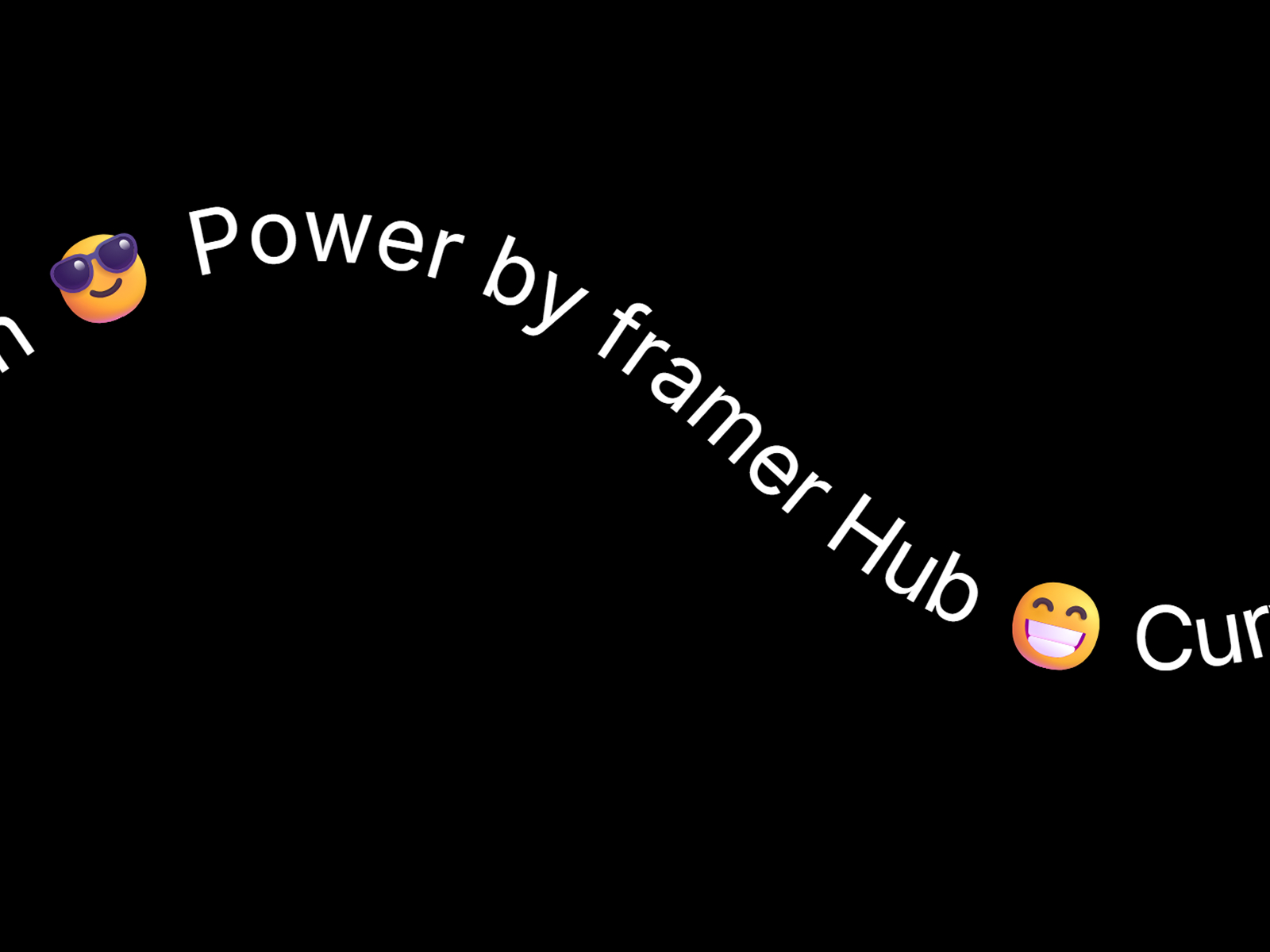
Animate text along any SVG path with smooth GSAP-powered motion.
Exist Popup
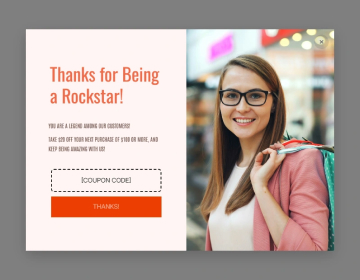
Capture leads before they leave with smart exit-intent popups that trigger at the perfect moment.
Confetti Lines 3D
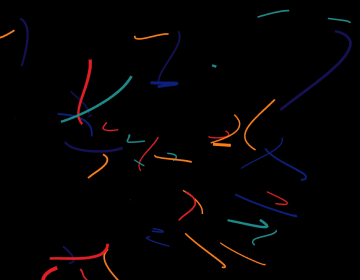
3D confetti lines with smooth dash animations and mouse interaction.
Why Choose Framer Hub Components
Loved by Framer teams
Used by Framer professionals who need premium, no-code experiences.
"The Best Framer CMS Filtering Plugin I've Found — Truly a Game-Changer. I've tested a lot of Framer CMS filtering and sorting components — both free and paid — and this is by far the best one I've come across."
"He really helped me out when I needed assistance adding it to my Framer project. Super fast customer support highly recommend!"
"We had tried a couple of other Framer CMS filter components but they were buggy, hard to use and support was slow or non-existent. FramerCMSFilter is easier to use and has a lot of added functionality."
Got questions? We've the answers
Got questions? We've the answers
Everything you need to know about FramerHub.